
I have a DeDietrich MCR3 24/28MI boiler. Of course I was planning to obtain as much information as I could from it. I’d like to monitor its work and create some nice graphs ;) I found out quickly that the brand is in fact called also Remeha. I read in the manual that it has a ‘RS232’ port. The “special cable” and software called “Recom” was needed to connect it to the laptop/PC. My boiler looks very similar to the Remeha Calenta. I also found interesting information on Robert Hekkers’ blog, who was doing the same things: http://blog.hekkers.net/tag/remeha/
I had to locate the serial port for communication. After opening the case up, I easily located it on the main board (it is called “PC” and it is next to “HMI” port). As described on Robert’s blog, it is the 4P4C connector. I decided to try connecting my laptop to this port first, to be sure that it is possible to communicate with it using the Recom software at all. Firstly I measured the voltages on the pins. Fortunately it was matching Robert’s description: +5V, GND and probably TX and RX. So far so good :) It is not a true RS232 signal levels, but a 5V TTL.
I found my old development board with the MAX3232 on it, so I joined the schematics of MAX232 from: http://blog.hekkers.net/2010/10/03/monitoring-the-remeha-calenta/ and and 4P4C pin description from: http://blog.hekkers.net/2011/03/14/remeha-interface-revisited/ … and soldered it all together.
I gently connected it to the boiler and to the laptop via FTDI/USB dongle and started the Recom software to detect the boiler. Unfortunately - no luck, every time the software was unable to detect the boiler :( I even changed the dongle to the Prolific-based one, but with the same bad results.
Next day, I reviewed my connections one more time. All seems correct for me. My last chance was swapping the TX/RX pins and… it worked immediately! The boiler was finally detected! btw: my boiler is detected by Recom as “Tzerra Export”.
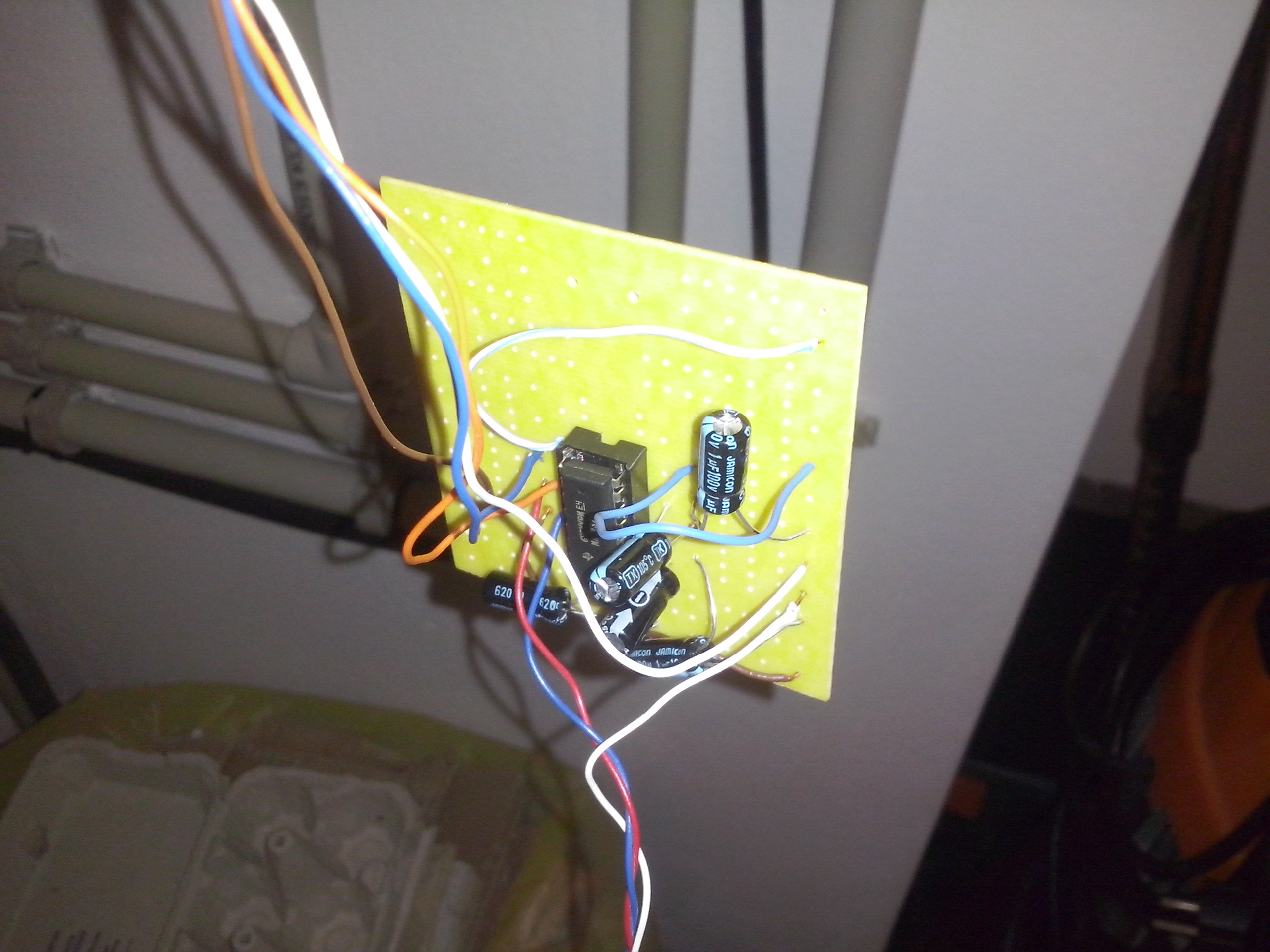

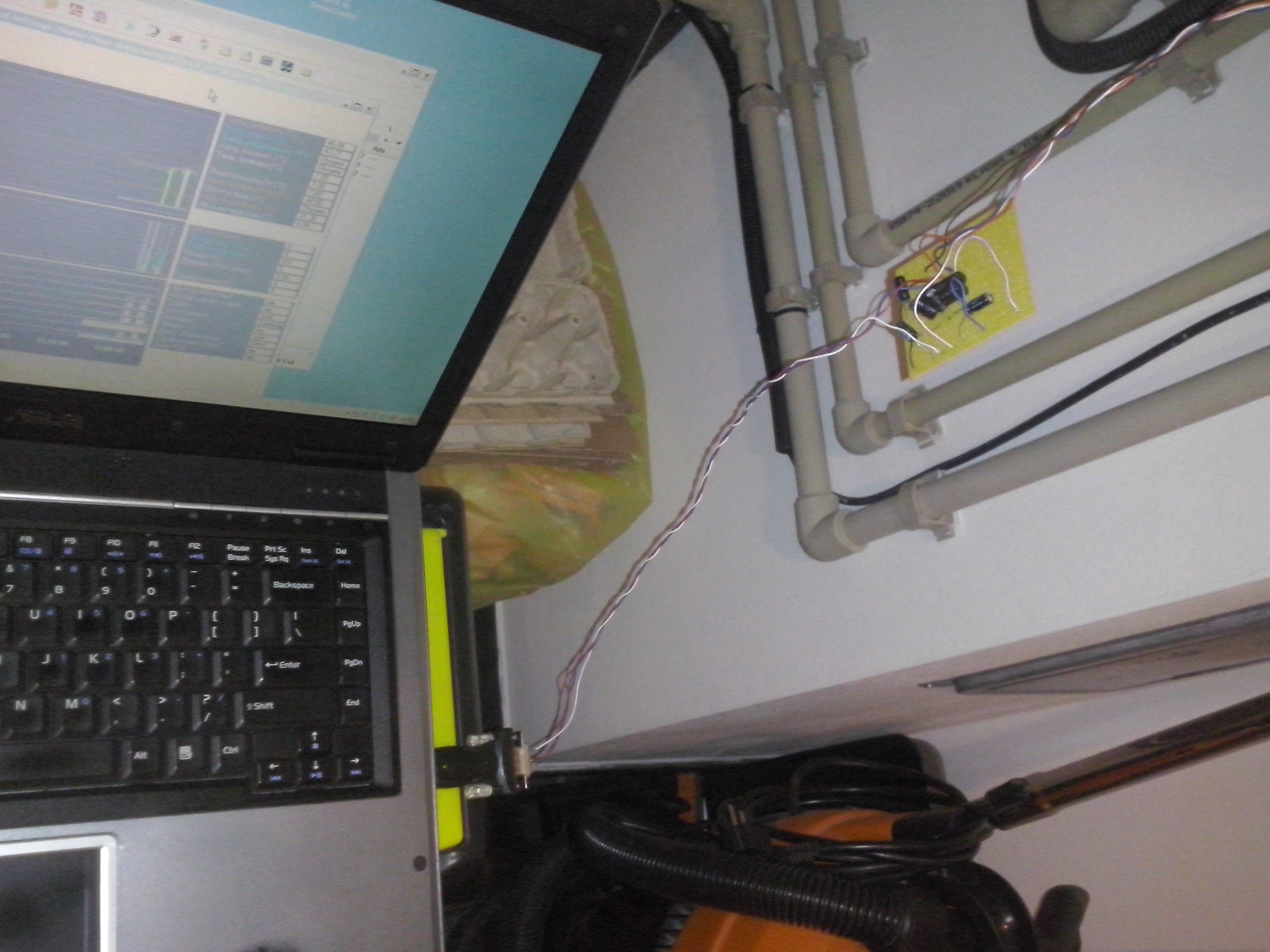
So the problem was with the misleading description (or the true meaning of the TX/RX signals). The problem is that a name TXD could mean a TXD pin of the boiler or a pin to which it has to be connected in the MAX232 :) In this case, Robert’s description of the TXD and RXD was not the boiler signals, but a pins, to which it has to be connected. I know, I know - the blog says that the lines has to be swapped in case of problems :)
I lost a day because I was pretty sure about my TX/RX wiring, so for the reference, I am providing a correct pinout:
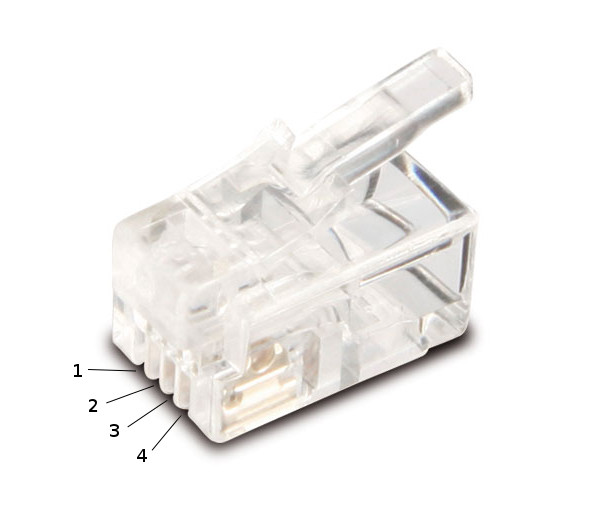
pin #kinddescription****to MAX232 pin1GNDground15: GND2RXboiller’s RX (input)9: R2 out3TXboiller’s TX (output)10: T2 in4VCC+5V16: VCC